
Add and schedule workouts from the watch
How to load a previous workout or a friend's workout into your calendar from WeFit Go, choose the day and repeat it for several weeks.
You can’t build workouts exercise by exercise on the watch, but you can load one you’ve already done or one from a friend, choose the day and, if you want, repeat it for several weeks. It all happens on the Hoy (Today) screen.
Steps
On Hoy, tap the Entrenos (Workouts) button with the plus sign, below the day’s workouts.
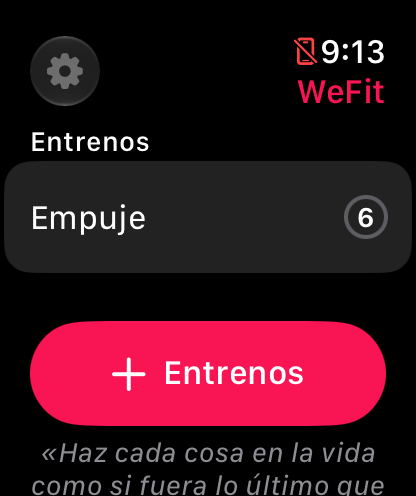
The add button is always below the list of workouts. Choose where to get the workout from: Últimos entrenos (Latest workouts), with your own, or one from Mis amigos (My friends), who appear with the date of their last workout.
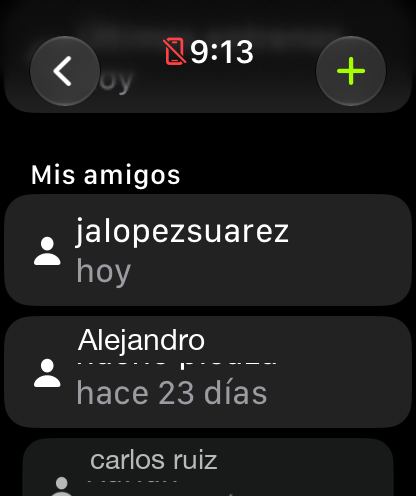
Your workouts or your friends' workouts. In Últimos entrenos you’ll see your history by date, with the workout name and how many exercises it has. Tap the one you want to repeat.
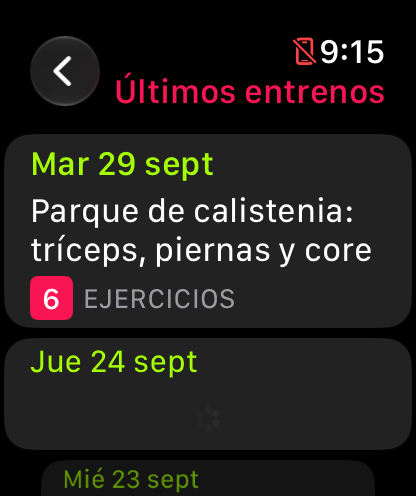
The history, from newest to oldest. A preview opens: swipe through the pages to see each exercise. When you’re sure, tap the + at the top right.
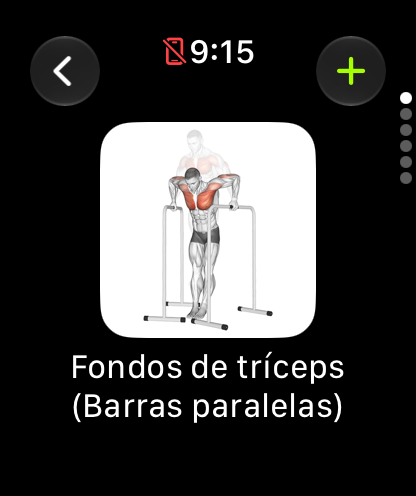
One exercise per page; the + adds it. On the Programar (Schedule) sheet, choose the Día (Day) (today or a day of the week) and, if you want, Repetir (Repeat) the workout for several weeks. Then tap Añadir entreno (Add workout).
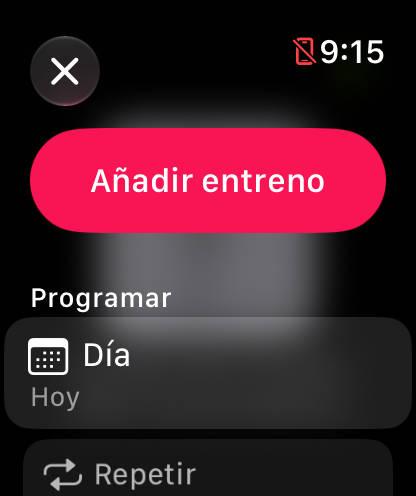
By default it's added today and without repeating. If you turn on repeat, the watch creates a copy of the workout on that day of the week for the number of weeks you choose. Each copy is an independent workout: you can edit or delete it without affecting the others.
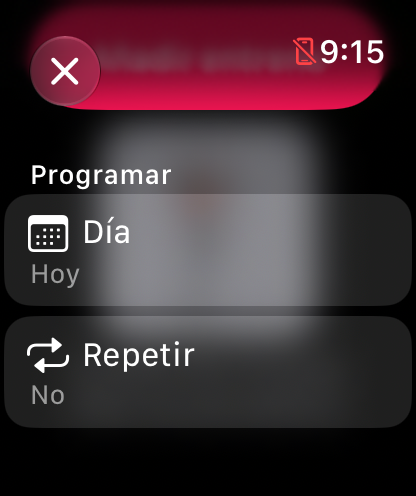
Día and Repetir, the only two decisions.
Common problems
The workout I’m looking for isn’t in Últimos entrenos
The list shows your most recent workouts. If it’s an old one, scroll down with the Digital Crown; if you did it a long time ago, load it from the iPhone with Repeat a workout on other days.
I don’t see my friends
The Mis amigos section only lists friends you already have in WeFit. They’re added from the iPhone: Add friends and share your calendar.
I added the workout on the wrong day
Open the workout on the iPhone and delete it or move it to another day; the watch syncs with the same calendar.
How did this guide go for you?
Thanks for your feedback