
Choose the model and use your own key
Where to configure WeFit Intelligence on your iPhone: which model builds your workouts, the option to do it on the iPhone itself and how to use your own Anthropic, Google or OpenRouter key.
Only part of this needs WeFit PRO. What’s included
WeFit Intelligence works without any setup. If you want, you can choose which model builds your workouts, let the iPhone itself do it, or use your own key from your provider. Everything is in Settings.
Steps
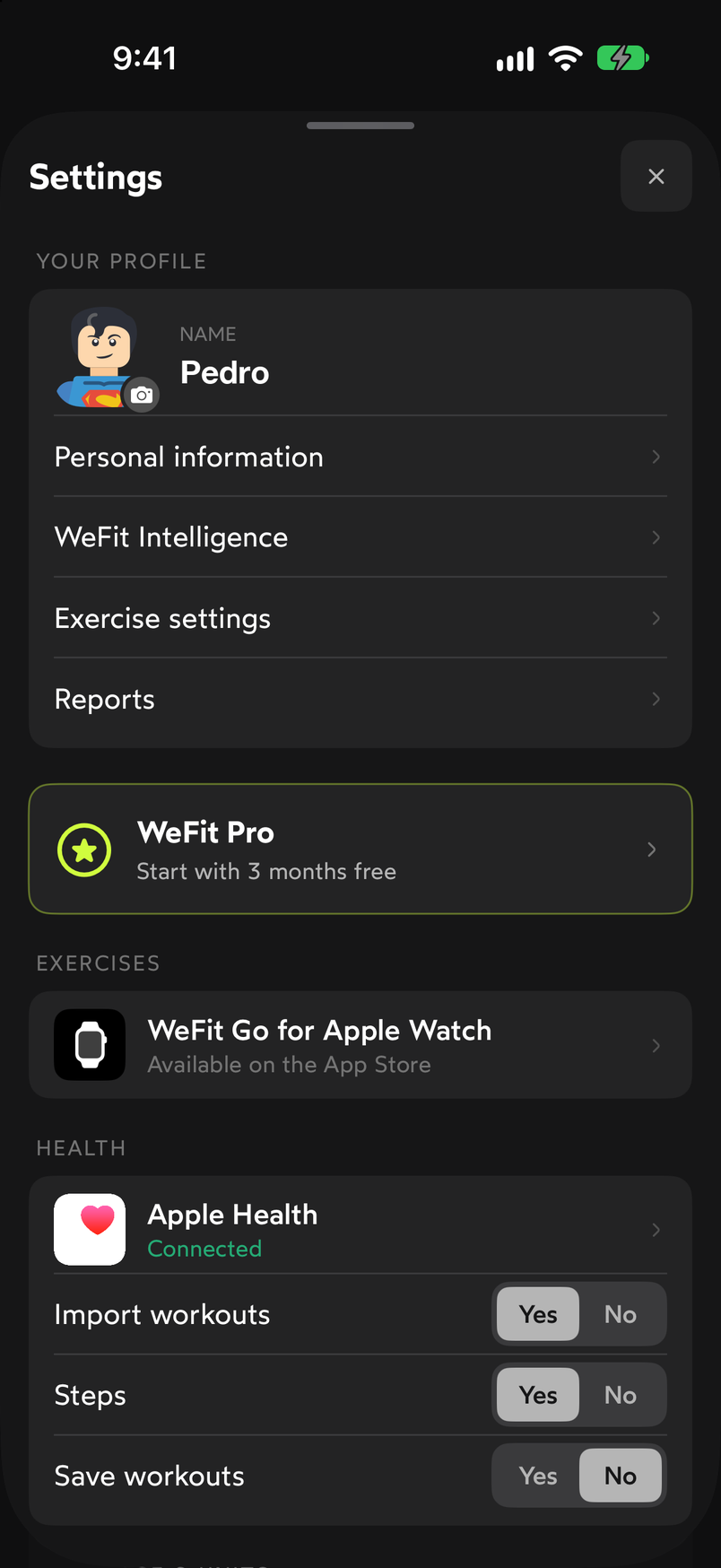
Tap your avatar at the top right of Today to open Settings and go into WeFit Intelligence, in the Your profile block.
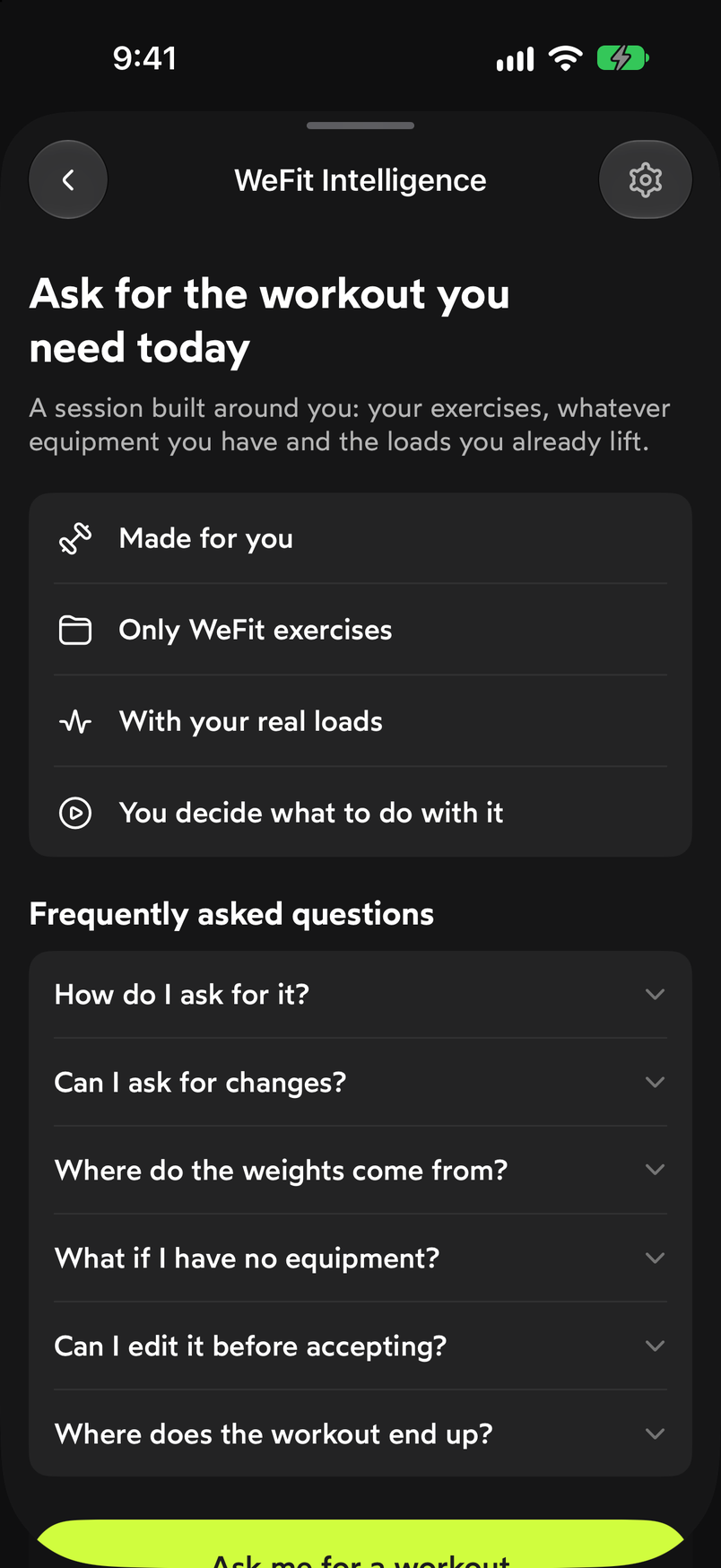
WeFit Intelligence is in Settings, under Your profile. The Ask for the workout you need today screen sums up how it works: built around you, only with WeFit exercises, with your real loads and leaving it up to you what to do with it. Below are the frequently asked questions and the Ask me for a workout button. The gear icon at the top right opens the settings.
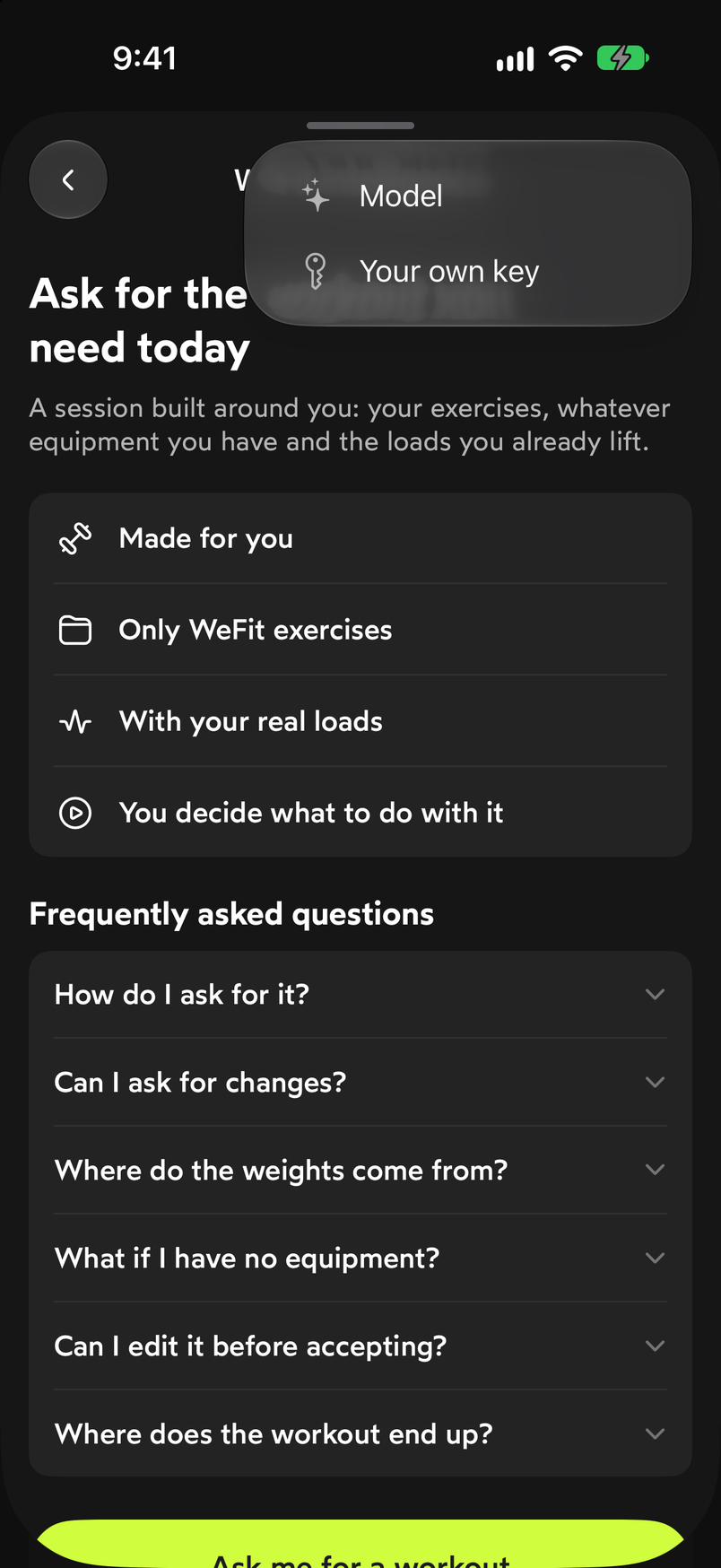
The gear at the top right opens the settings. The gear unfolds two options: Model and Your own key.
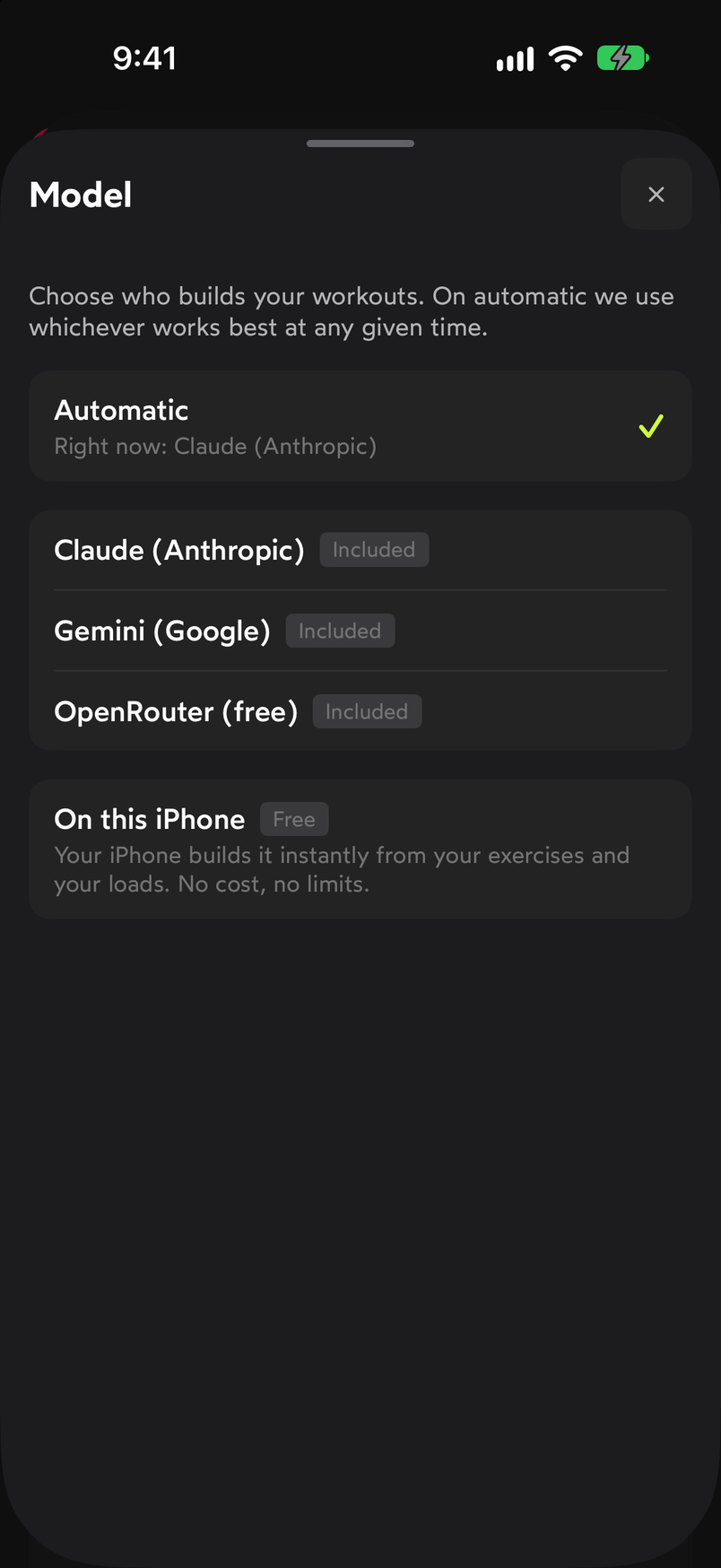
Two settings: the model and your own key. In Model you choose who builds your workouts. Automatic uses whichever works best at the moment and shows which one is active. You can also pin one of the included ones, Claude (Anthropic), Gemini (Google) or OpenRouter (free), or choose On this iPhone, where the phone itself builds it instantly with your exercises and your loads, at no cost and with no limit.
Automatic chooses for you; On this iPhone needs no connection to any provider. In Your own key you can enter an API key for Claude (Anthropic), Gemini (Google) or OpenRouter. With it, requests are made with your account at that provider. The screen itself states that the key is only stored on your iPhone and that WeFit does not store or read it.
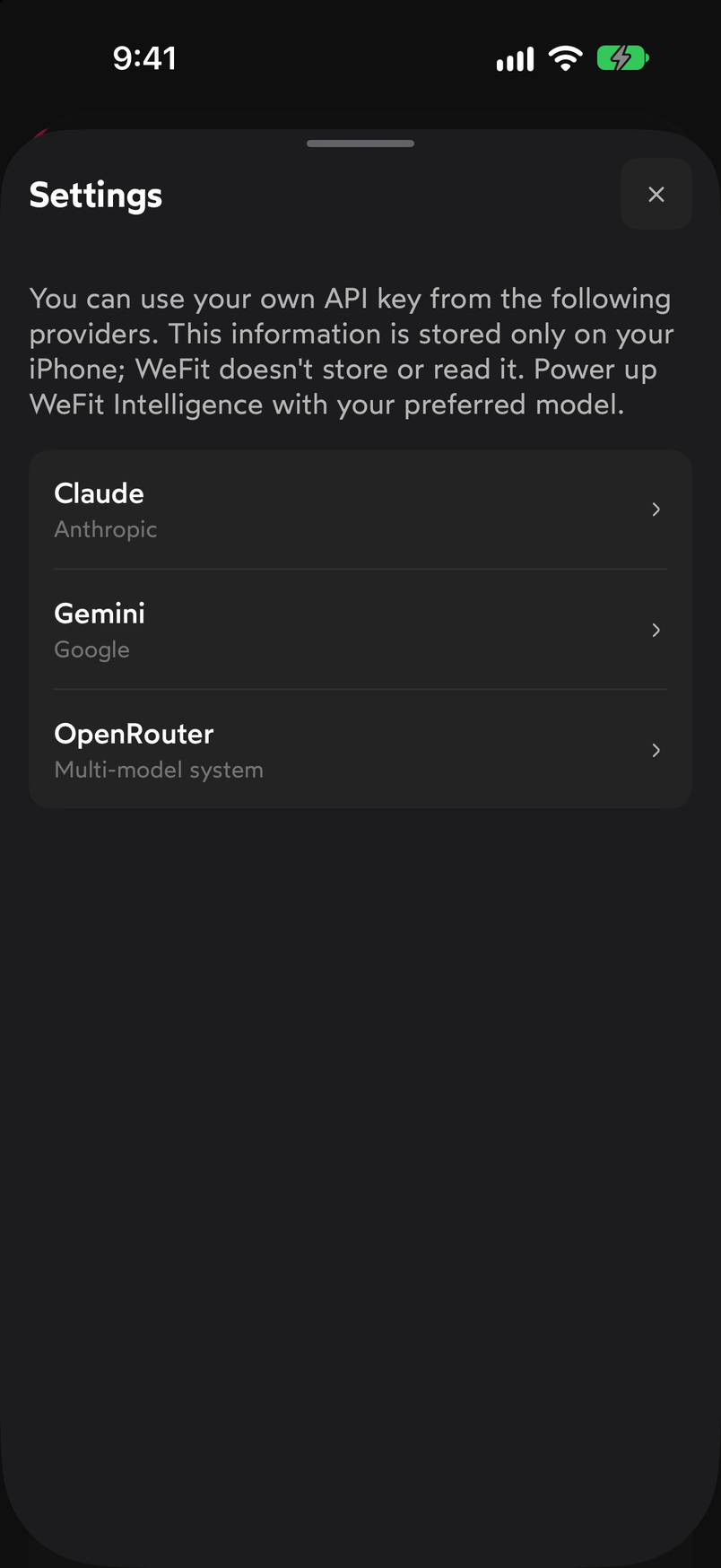
The key stays on your iPhone.
Common problems
I don’t know which model to choose
Leave it on Automatic. It’s only worth changing if you want to try a specific model or work without depending on any provider by using On this iPhone.
My key doesn’t work
Check that you copied it in full and that it belongs to the provider you chose in the list. If the problem continues, go back to Model and select one of the included ones so you can keep asking for workouts while you look into it.
I want to ask for a workout again
From this same screen, the Ask me for a workout button opens the chat. The steps are in Ask WeFit Intelligence for a workout.
Related guides
3 months free, cancel anytime.
What WeFit PRO includesHow did this guide go for you?
Thanks for your feedback